sooperlooper rhodes remix

If you enjoyed yesterday’s sketch, you really should check out this great remix by ioflow. He took my original loops and rearranged them in Renoise, mixing things up to great effect with some micro-edits (the little reversed bits sound awesome) and some low-key, distorted beats. Unfortunately I forgot to save the final set of loops, so he had to make do without the melody part, but it definitely hasn’t hurt things.

I very nearly neglected to post yesterday’s sketch, since the timing was rough and the whole thing was musically very simple. Needless to say, I’m glad I did post it now — chalk this up as a win for online collaboration and Creative Commons!

sketchbook: sooperlooping the rhodes

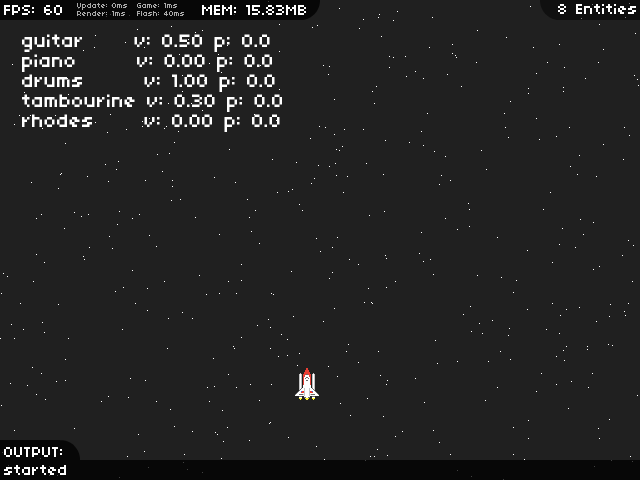
I’m starting the new year the right way this year — with a sketch! It’s just a rough, simple, improvised jam, captured using SooperLooper, but I love the mood that the sound of the Rhodes imparts, especially as more note sustain over the top of each other and intermingle. I put the Rhodes sound through a rotary speaker emulation (Calf’s, in this case), and the melody part went my VM1 delay pedal, but it’s otherwise free of processing. It doesn’t really need much, anyway — those high notes sustaining that are left at the end are just magic.

SooperLooper is great for capturing new track ideas, especially for the kind of music I make, which is often driven by repeating patterns. In the past I’ve started with a drum beat and recorded loops on top of that, but this time I went freestyle. The nanoKONTROL is great for controlling it — I was able to add a bunch of empty loops, and map a separate fader and record button to each of them, making it easy to both record your loops and control their playback afterward. Once I had some appropriate loops I just played them all at the same time, using the faders to control their relative volumes while recording the output straight in to JACK Timemachine.

I don’t know if this sketch will go any further than this, but with some glitchy drums, some additional synth parts, and a bit more complexity (like, more than two chords), I think it could work as a track.


mp3 | vorbis | 2:51

the (musical) year ahead

Looking back on 2011, I can’t help but feel a little slack — in 2010 I released four new original tracks, but 2011 saw just two — but I think I’d be doing myself a disservice to judge my productivity based solely on numbers. Both of those tracks, move along and Texel, took a lot of work, and I’m very proud of how they both turned out. I also spent a lot of time working with pre-release and often quite buggy software, filing bugs as I ran in to problems, and while that slowed me down I’m glad I was able to do it.

So far this year, I definitely have been slack; I spent half of December in the US on a working holiday, and combined with the usual holiday season shenanigans on my return, I’ve been spending more of my downtime gaming (Jamestown and Gratuitous Space Battles have been particular favourites) rather than making music (or blogging, for that matter!). Now that things are calmer, I’m looking forward to getting some music happening.

The plan is still to work on some more tracks in the same lo-fi downtempo vein as Texel and push out an EP of tracks that’ll hopefully sound like they belong together. Realistically, that might take all year, but if the tools continue to improve at their current rate, there’s a good chance I’ll be done sooner. Either way, I plan to stick with it!

a great article on using multiple audio devices with JACK

I’ve been meaning to write a tutorial describing how to use multiple audio devices with JACK, using the “alsa_in” and “alsa_out” tools, but as it turns out, I don’t have to now! Linux Home Recording is a new-ish blog that already has a number of great articles about various Linux recording topics, and the most recent post there is all about using alsa_in and alsa_out.

It pays special attention to one of the most common cases — using a USB microphone — so it’s well worth a read.

this is my minecraft: kerbal space program

It seems like half the people I know have put hours in to Minecraft, but I’ve been spending my time with another indie sandbox game: Kerbal Space Program, a rocket-building spaceflight simulation. KSP gives you a bunch of rocket parts, an editor to build those parts in to complete rockets, and a mini solar system to fly your rockets around. Even though there are no explicit challenges to complete — or at least, not yet — if you’re a rocket nerd like me, it’s still an absolute blast.

Continue reading

melted crayon art: a music video for “texel”

The internet says that you can do awesome things with crayons, glue, a canvas, and a heat gun, and my wife did exactly that on the weekend, with very colourful results. I figured the dripping wax might look cool on film (or on an SD card, rather), so I grabbed the camera, and as it turned out, it looked awesome:

The music is my most recent track, Texel, which seemed like a good match for the video. It was all shot with a hand-held Canon 550D and a 50mm f/1.8 lens, hence the shakiness — it took some time to go through all of the video and find the usable bits, where the camera was both steady and in focus.

I used Kdenlive to edit it all together, and I’m glad to say that it was much more solid than it was during my last video editing project. In particular, it automatically cropped the extra lines out of the 550D’s 1920×1088 files, so I didn’t need to transcode anything. I didn’t apply much processing this time, which may have helped — there’s just a few simple transitions and some colour correction work.

Kdenlive’s ability to use proxy clips — small, low-resolution copies of your original high-res clips that are used during editing — helped keep the preview playback smooth while editing. The original clips are used while rendering the video, though, so the proxy clips don’t affect the final output quality.

on Unity2D and llvmpipe, and the differing approaches of fedora and ubuntu

Ubuntu’s Unity desktop invites comparisons to GNOME 3 for a bunch of reasons, but one important similarity is their reliance on hardware OpenGL support to power their visual animations and effects. In their first releases, both desktops used “fallback” modes to handle systems without OpenGL support, but in Ubuntu 11.10, Unity is available for those systems using a new project called Unity2D.

I think Unity2D is not just a terrible idea, but also another example of the new direction that Ubuntu is taking that makes me wonder if it’ll be my distribution of choice for much longer.

Not so unified

Unity2D removes the reliance on OpenGL by avoiding it entirely: it’s a rewrite of Unity from the ground up, based on the Qt toolkit and using the Metacity window manager instead of Compiz. While it looks and feels much like standard Unity, it’s an entirely separate codebase, and keeping the two in sync as features are added will require a substantial amount of extra work. Perhaps the Ubuntu developers have the resources needed to keep up, but it seems like a very shortsighted approach to me.

GNOME 3′s current fallback desktop is definitely a hack, too — it cobbles together a UI that looks a bit like GNOME Shell using the panel and related components that have been ported from GNOME 2. It has neither the flexibility of GNOME 2 nor the elegance of GNOME 3, so it’s not a particularly compelling experience, but the Fedora developers plan to make the full GNOME Shell experience available for nearly everyone in Fedora 17, using some very cool technology.

Software OpenGL with llvmpipe

OpenGL isn’t inherently limited to systems with hardware acceleration; Xorg actually provides a software implementation of OpenGL by default whenever hardware support is unavailable, but its performance is far low to handle desktop effects. However, a new software renderer, called llvmpipe, aims to change that. By using LLVM, a generic virtual machine that produces optimised x86 or AMD64 code on-the-fly, and utilising multiple CPU cores, llvmpipe performs far better than the standard Xorg renderer.

The gains are impressive: running Quake III Arena at 800×600 on my dual-core laptop, Xorg’s renderer managed 3.9 FPS, while llvmpipe managed a fairly playable 34.9 FPS. While that only makes llvmpipe about as fast as my old Matrox G400, that’s okay — it just has to be fast enough, and for GNOME Shell, and even the odd game, it definitely seems to be. llvmpipe has actually been used as the default software render in Fedora since Fedora 15, but it’s only in Fedora 17 that it supports all of the OpenGL features required to run a compositing window manager.

GNOME Shell on llvmpipe

GNOME Shell running without hardware acceleration on Fedora 17, using llvmpipe

I tested the Fedora 17 development packages (aka “Rawhide”) in a KVM virtual machine, and it worked fairly well; logging in revealed a complete GNOME Shell desktop, and while it was a little choppy, it was definitely usable. I’d definitely expect it to be faster on an actual PC, especially with a mutli-core CPU. The Fedora developers have plans to improve performance, too, by optimising llvmpipe and disabling some minor effects.

So, on the one hand, we have Fedora working on key infrastructure that will improve the Linux desktop experience for all users without hardware OpenGL acceleration, and on the other, we have Ubuntu developers throwing effort away on a developmental dead end. Ubuntu has copped flak before for not contributing to Linux development, but I don’t generally buy in to that argument — “contribution” isn’t something you can measure just by analysing commit logs or counting lines of code. Canonical can pay its developers to do whatever it wants them to do, but increasingly, it seems that the effort they’re expending is pushing Ubuntu in a direction I’m not sure I want to follow.

It’s hard to elaborate on exactly why I feel that way — I think it’s really down to little things, like insisting on forging its own path with Unity, the increasing number of built-in monetised services, and their sleazy dealings with Banshee (be sure to read the comments on that one!). Maybe the result is a great OS for a lot of users, but for me, Ubuntu is slowly drifting away from being the OS I want it to be.

new track: texel

After a few last-minute tweaks, I’m finally ready to release my new track. The plan is for this to be the first track of an EP that will be available for download from Bandcamp, but I’m sure that won’t happen for several months, so I wanted to post the track here early to give everyone a chance to hear it. It’s a downbeat, ambient techno-kinda thing I call “Texel”:


mp3 | ogg | flac | 3 minutes 16 seconds

I talked a little about the production in an earlier post, but I have included some further details after the jump.
Continue reading

wednesday reading list

I’ve mentioned Mixing Secrets for the Small Studio a couple of times now — it’s a great read, and I’m learning a lot from it, but mixing is just a part of making great music. Finding inspiration, getting ideas down, and then developing those ideas in to complete tracks are the real challenges, but there’s some great advice online for doing just that.

It was an article on Create Digital Music that reminded me about those challenges today — it contains seven “tips for creative success”, and they’re all right on the money. They talk about making use of what you have rather than focusing on what you think you need, and the importance of spending time on the music and having fun rather than sweating over tiny bits of finesse that no-one will notice anyway.

Some of the most enlightening posts I’ve ever read about making music come from general fuzz, a producer of some excellent (and free!) downtempo electronica; his “lessons” posts are a fantastic read. Some of his points relate specifically to music, and electronic music in particular, but many of them relate just as well to any other creative pursuit.

He covers a lot of ground: the value of finding your audience rather than relying solely on friends and family for feedback, of waiting before releasing new work rather than pushing it straight out, of actually finishing something, even if it’s not “perfect”, and of not getting disheartened by the fact that no-one will care about your work quite as much as you do.

I think that last point is particularly important. It’s great to make things that others enjoy, and to take joy from that, but if you’re not creating for yourself first, enjoying the process as much as the result, then you’ll ultimately end up frustrated.

new music update

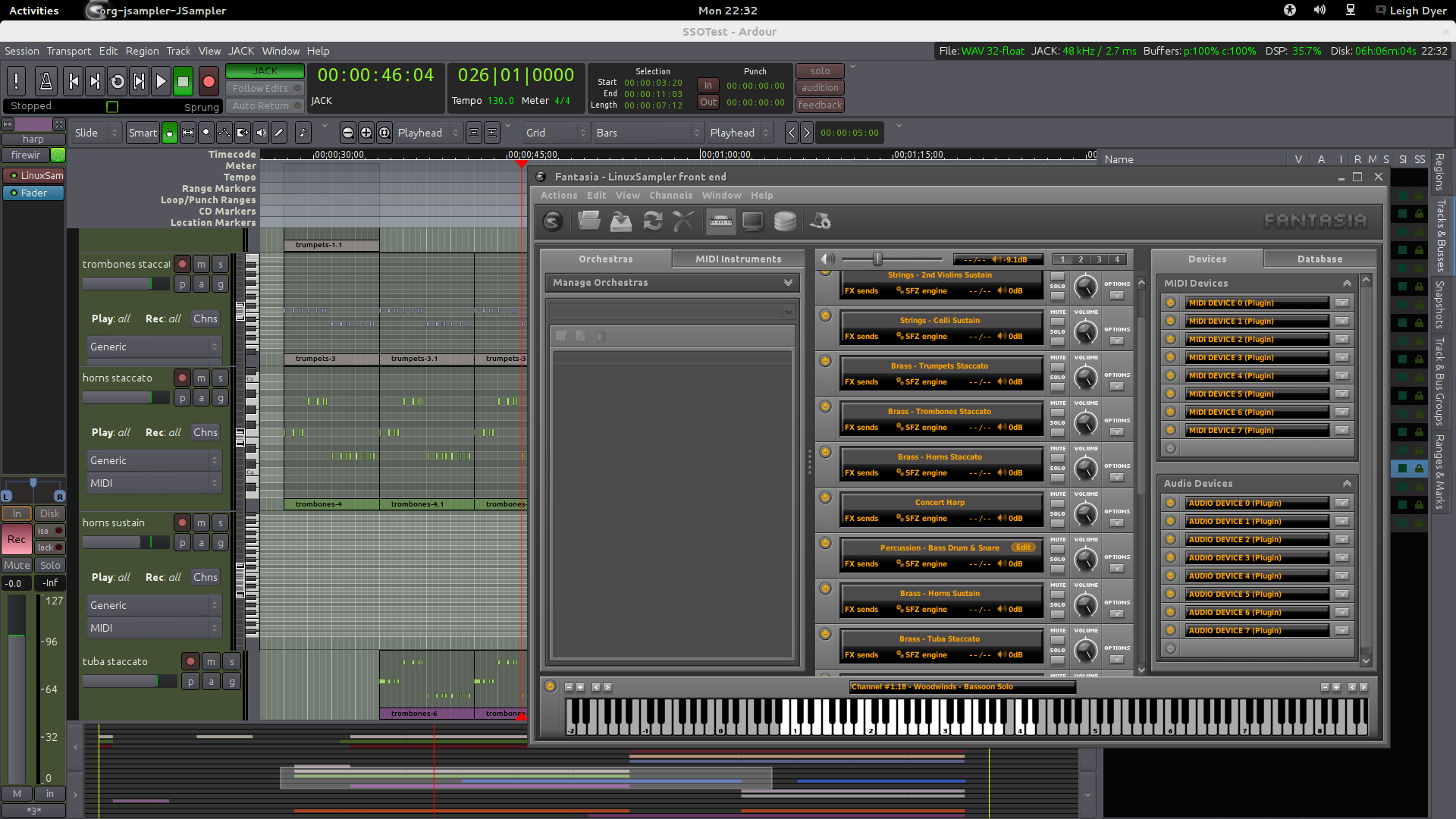
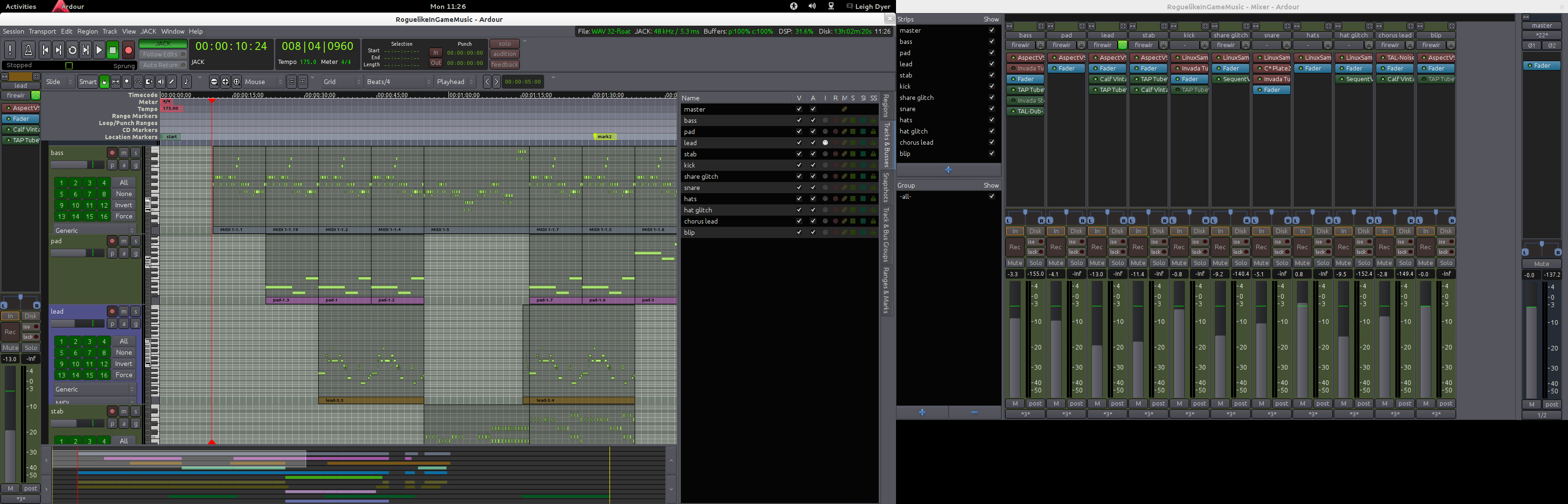
A few months ago I posted that I was working on new music using Ardour 3, and I’m glad to say that my new track is now all but finished. Working with Ardour 3 was a bit nervewracking at times, as you’d expect when testing alpha software — there were several times, in fact, when I couldn’t even open the project’s session due to one bug or another. It all held together somehow, though, and after many bug reports and fixes, I definitely feel like it’s helped

The new track is a bit of a downbeat, ambient-ish thing, with some lo-fi sounds mixed in with some glitchy elements. I definitely put Ardour’s MIDI features to the test: there are MIDI tracks running out to my Blofeld and to Hydrogen, along with LV2 synths (Calf Monosynth and Linuxsampler), along with automation of CC parameters on the Blofeld and automation of plugin paramaters on Calf Monosynth. I’ve done quite a bit of effects automation as well, particularly with the bitcrushing Decimator plugin.

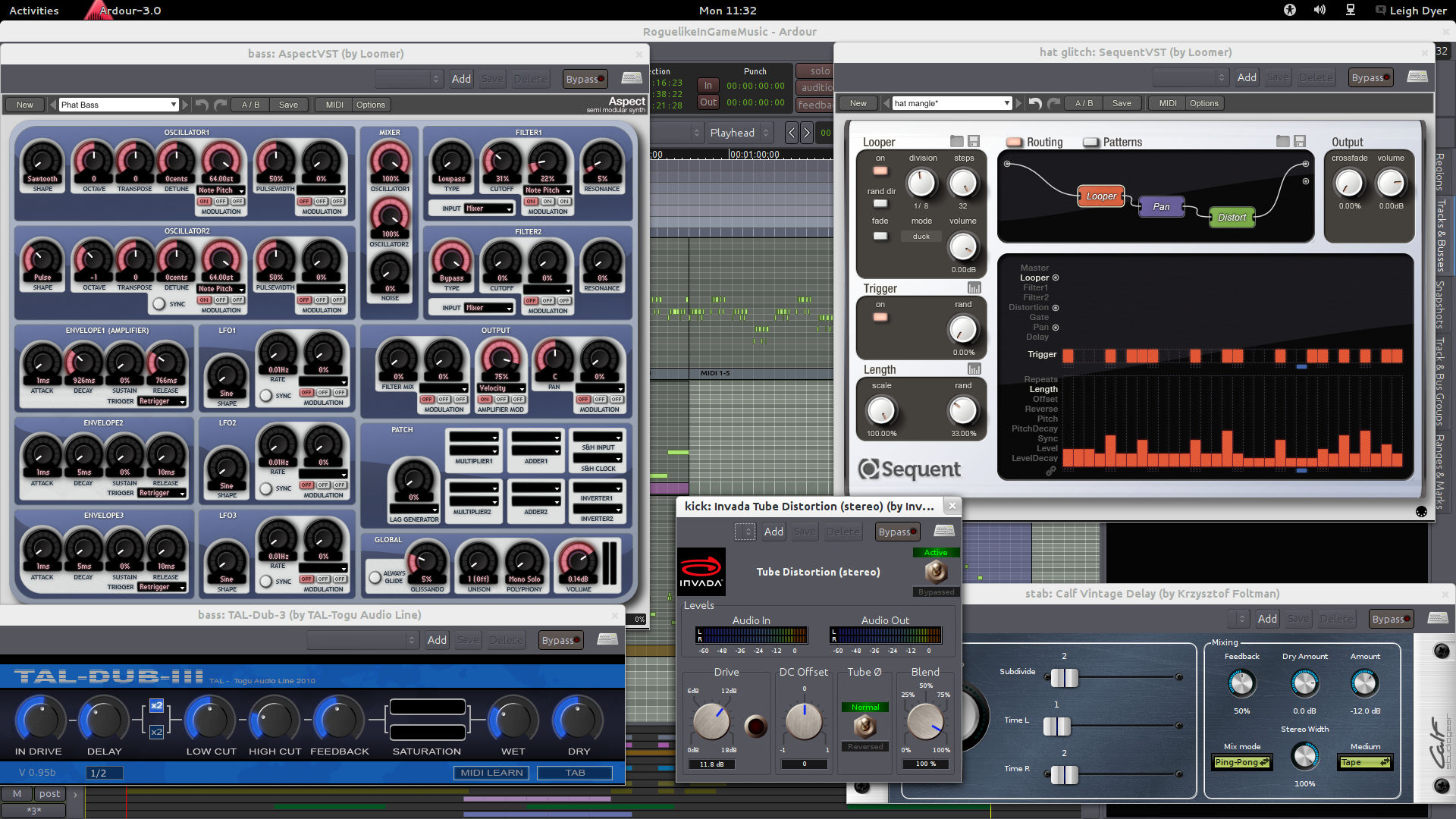
There’s even a VST plugin in there now; I had been beta-testing Loomer Cumulus, using it as a standalone synth, but with Ardour’s new VST support I now have it running within Ardour directly. Cumulus is somewhere between a synth and an effect: it lets you load a sample, and then trigger its playback using granular synthesis with varying paramaters, altering the starting point, pitch, and playback rate, among other things. You can define up to eight sets of those parameters, and then trigger those via MIDI keys. It can turn all sorts of sounds in to eerie textures, but it can just as easily take a drum loop and turn it in to a wonderfully glitchy mess, which is exactly what I used it for.

I’m pretty sure the track is done, but I don’t want to release it just yet. I plan to sit on it for a few days at least, while I read more of my copy of Mixing Secrets for the Small Studio, but I like the idea of putting together at least an EP with a couple of other tracks and releasing them all at once. That might not be practical if it takes me four months to finish each track, though, so I may post the individual tracks here when they’re ready, and then do an official Bandcamp release once they’re all done.